Review Analytics & Sentiment Analysis: Extract Business Insights
Learn how review analytics and sentiment analysis tools help businesses analyze customer reviews for actionable insights. Compare top platforms and methods to improve operations.
How Sentiment Analysis Tools Decode Customer Emotions
A 2025 study found that 89% of consumers read reviews before making a purchase decision, and 79% trust online reviews as much as personal recommendations from friends or family. For a local business owner, this data is not just interesting, it is a mandate. Your online reviews are a continuous, real-time focus group. They contain direct feedback on your service, product quality, staff performance, and overall customer experience. However, manually reading through hundreds of reviews across Google, Yelp, and Facebook is time consuming and inefficient. You might spot a recurring complaint, but you will likely miss subtle trends and emerging issues. This is where review analytics and sentiment analysis tools become essential. They move you from reactive reading to proactive management. Instead of just seeing star ratings, you gain a structured understanding of why customers feel a certain way. This analysis transforms subjective comments into objective data you can use to train staff, adjust menus, streamline operations, and , improve your business's reputation and revenue. As we move through 2026, leveraging this data is no longer a luxury for large corporations, it is a competitive necessity for any business with an online presence.
Review analytics and sentiment analysis tools are software platforms that automatically collect, categorize, and interpret customer feedback from online reviews to provide actionable business intelligence. These tools go beyond counting stars. They use natural language processing (NLP), a form of artificial intelligence, to read and understand the text of reviews. The core functions include: Sentiment Analysis, which classifies the emotional tone of a review as positive, negative, or neutral; Keyword and Topic Extraction, which identifies the most frequently mentioned terms and themes (e.g. "wait time," "burger," "friendly host"); and Trend Analysis, which tracks how these metrics change over time. For a business owner, this means you can log into a dashboard and immediately see that negative sentiment spiked 40% last week, driven primarily by mentions of "slow service" during weekend dinner rushes. This precise insight allows you to investigate staffing levels for those specific shifts rather than guessing at the problem. Platforms range from complete suites like Birdeye and ReviewTrackers to more specialized or affordable options like OwnCrew Customer Ops, which focuses on Google review collection and analysis, or even free tools like Google Business Profile's own basic insights. The right choice depends on your volume of reviews, budget, and specific business needs.
Sentiment analysis is the foundational technology that powers modern review analytics. At its simplest, it answers the question: "Is this review text positive or negative?" However, advanced tools now provide much deeper emotional granularity.
The Mechanics of Sentiment Scoring
Early sentiment analysis relied on basic keyword matching. If a review contained words like "great," "love," or "perfect," it was tagged positive. Words like "terrible," "awful," or "avoid" flagged it as negative. Modern AI-driven tools use contextual analysis. They understand that "The food was not bad" is different from "The food was bad," and that "The wait was long but worth it" expresses a mixed sentiment. These systems assign a sentiment score, often from -1 (fully negative) to +1 (fully positive). A review saying "Everything was perfect, our new favorite spot!" might score a 0.95, while a detailed complaint might score -0.8. This scoring allows for precise tracking of emotional shifts over time.
Beyond Positive and Negative: Aspect-Based Sentiment
The most valuable development for businesses is aspect-based sentiment analysis. This doesn't just label the whole review, it identifies specific attributes or "aspects" mentioned and determines the sentiment for each one. For example, consider this review: "The steak was cooked perfectly and flavorful, but the sides were cold and the dining room was freezing." A basic tool might label this as neutral or mixed. An aspect-based tool would break it down:
- Aspect: Food (Steak) | Sentiment: Strongly Positive
- Aspect: Food (Sides) | Sentiment: Negative
- Aspect: Ambiance (Temperature) | Sentiment: Negative
This level of detail is transformative. It tells you exactly what to fix (kitchen expediting for sides, HVAC check) and what to promote (your steak preparation). For more on turning specific criticisms into improvements, see our guide on How to Respond to Negative Reviews.
Practical Application and Tool Output
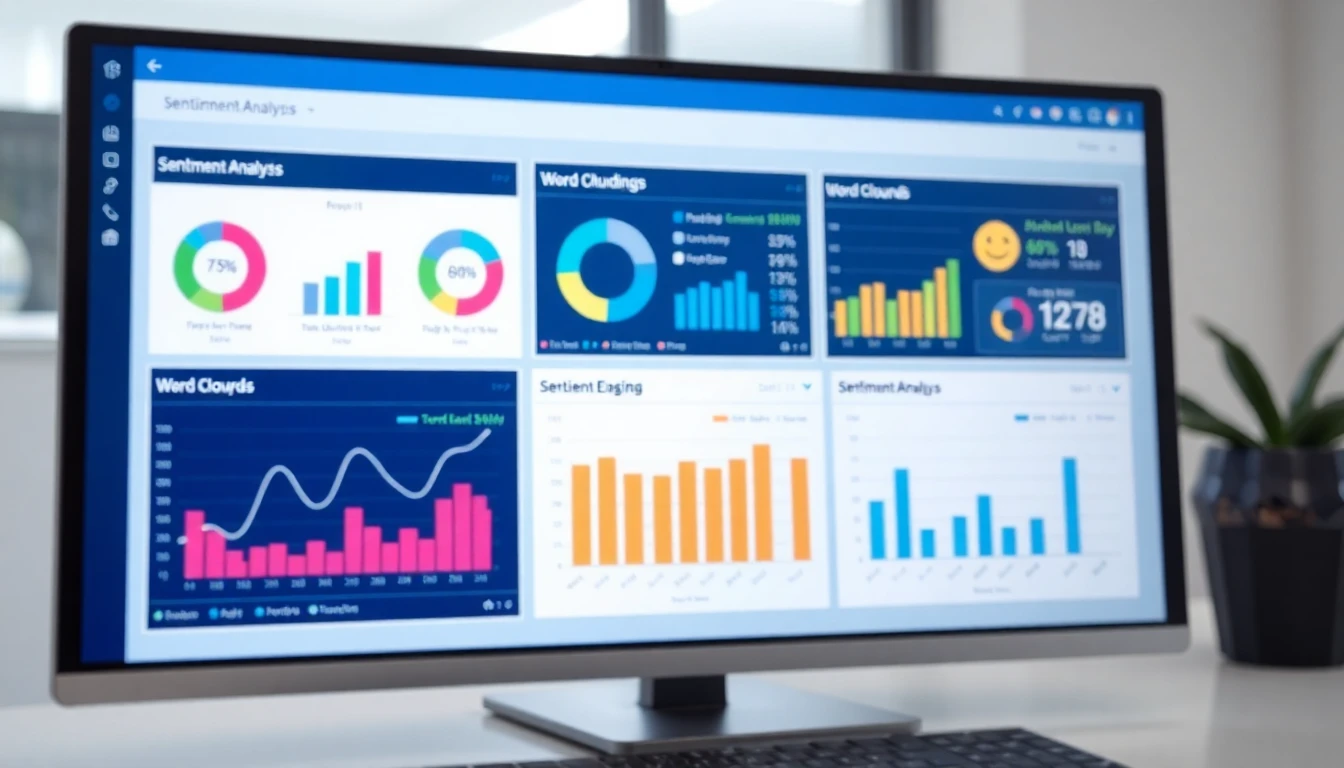
In a dashboard, sentiment analysis is visualized through graphs and charts. You can see your average sentiment score by week or month. You can filter to see only negative sentiment reviews to quickly address complaints. Some tools, including OwnCrew Customer Ops, use this analysis to power AI-generated reply suggestions, helping you craft appropriate responses that acknowledge the specific emotion detected. According to Google's own policies, thoughtful responses to reviews demonstrate good customer service. Monitoring sentiment helps you ensure you are not missing critical feedback that requires a public response.
Summary: Sentiment analysis tools use AI to classify the emotional tone of reviews, moving from simple positive/negative labels to aspect-based insights. This allows you to pinpoint exactly which service elements (e.g. food temperature, wait time) drive customer emotions. A restaurant tracking this data can correlate a 0.2-point drop in sentiment score with a specific menu change, enabling rapid correction.
Key Metrics and Methods for
Analyzing Customer Reviews Analyzing customer reviews effectively
requires looking at a combination of quantitative metrics and qualitative insights. Star ratings give you the "what," but review analytics reveal the "why."
Star Distribution and Volume Trends
Your overall star rating is important, but the distribution tells a fuller story. A 4.2-star average could come from all 4-star reviews, or from a mix of 5-star and 1-star reviews. The latter indicates polarized experiences and a potential operational inconsistency. Analytics tools show this distribution . Equally critical is review volume trend analysis. A sudden drop in new reviews can be as telling as a surge in negative ones. It may indicate declining customer engagement or satisfaction. Tracking this helps you understand the impact of business changes. For instance, a study on Local SEO consistently shows that the velocity of new, positive reviews is a key ranking factor for Google.
Keyword Extraction and Topic Modeling
This process identifies the most frequently used words and phrases in your review corpus. Basic keyword extraction produces lists and word clouds (visual representations where more frequent words appear larger). Topic modeling is a more advanced AI technique that groups reviews into thematic clusters without pre-defined categories. For a restaurant, it might automatically discover topics like "Birthday Dinner Experience," "Takeout Order Issues," and "Weekend Brunch Wait." This reveals customer priorities you may not have considered. For example, if "gluten-free options" emerges as a frequent topic with positive sentiment, it validates that investment and suggests marketing opportunities.
Competitor Review Benchmarking
True business intelligence comes from context, and that includes understanding your competitive landscape. Review analytics tools can often track competitors' profiles, allowing you to benchmark your performance. Compare your average rating, review volume, and sentiment scores against key competitors. More importantly, analyze the keywords and topics in their reviews. What are their customers praising that yours aren't mentioning? What common complaints do they have that you could capitalize on as a competitive advantage? This external analysis completes the feedback loop, turning reviews into a strategic tool for market positioning.
Summary: Effective review analysis combines star distribution, volume trends, keyword extraction, and competitor benchmarking. Monitoring these metrics helps identify operational inconsistencies; for example, a 30% increase in mentions of "wait time" on Fridays signals a specific staffing need. This data-driven approach turns subjective feedback into an objective performance dashboard.
A Comparison of Top Review Analytics and Sentiment Tools
Choosing the right tool depends on your business size, review volume, budget, and desired depth of analysis. The market offers solutions ranging from enterprise-grade platforms to focused, cost-effective tools. Below is a comparison based on core functionality for local business use.
| Feature / Tool | Birdeye | ReviewTrackers | OwnCrew Customer Ops | Google Business Profile (Native) |
|---|
| Primary Focus | Full-service reputation & customer experience platform | Enterprise review monitoring & analytics | Google review generation & management with analytics | Basic business listing management |
| Sentiment Analysis | Advanced, aspect-based | Advanced, with custom tagging | AI-powered sentiment & complaint categorization | None |
| Review Collection | Multi-channel, QR codes, SMS/email requests | Multi-channel monitoring | QR code-focused, in-person generation | Limited, via profile link |
| AI-Powered Responses | Yes | Yes | Yes, for Google reviews | No |
| Competitor Benchmarking | Yes | Yes | Limited | No |
| Ideal For | Multi-location brands with large budgets | Medium to large businesses needing deep analytics | Small to medium businesses focused on Google growth | Any business for basic, free insights |
| Approx. Starting Price | High ($300+/mo) | Medium-High ($200+/mo) | Low (Plans under $100/mo) | Free |
Enterprise-Grade Platforms: Birdeye and ReviewTrackers
Platforms like Birdeye and ReviewTrackers are complete suites. They monitor reviews from dozens of sites (Google, Yelp, Facebook, industry-specific sites), offer sophisticated sentiment dashboards, strong reporting, and extensive survey and customer feedback collection tools. Their competitor benchmarking features are typically strong. The trade off is complexity and cost. These platforms require more setup and management and carry a significant monthly subscription, making them better suited for regional or national chains with dedicated marketing staff.
Focused Google Review Management: OwnCrew Customer Ops
For many small to medium local businesses, Google Reviews are the most critical platform, often directly impacting local search visibility and conversion. Tools like OwnCrew Customer Ops are built for this use case. They simplify the review generation process through QR codes that prompt customers for tagged feedback, which then fuels its analytics. The sentiment analysis and complaint categorization are designed to be immediately actionable for a business owner, directly linking feedback to operational areas like "Service Speed" or "Food Quality." Its AI reply suggestions help maintain high response rates, a factor Google considers. This focused approach often comes at a more accessible price point for independent businesses. Understanding the return on this investment is key, which we break down in our Review Management ROI analysis.
Free and Native Options
Every business should fully use their free Google Business Profile dashboard. It provides basic data like review count over time, keyword mentions (in a simple list), and customer interaction metrics. It is an essential starting point but lacks the automated analysis, competitive insights, and response management features of dedicated tools. For a business just beginning its online journey, it is the first step before investing in more powerful analytics.
Summary: The best review analytics tool aligns with your primary platform and operational scale. Enterprise tools like Birdeye offer breadth, while focused tools like OwnCrew Customer Ops provide depth for Google-centric businesses. For a restaurant trying to build review volume from a low base, a QR-code driven tool with integrated analytics is often the most direct fit, as outlined in our Restaurant Google Review Strategy.
Turning Review Analytics into Operational Improvements
Collecting and analyzing data is only valuable if it leads to action.
The final step is closing the loop, using review insights to make tangible changes in your business.
Building a Review-Driven Feedback Loop
Create a formal process for reviewing analytics. This could be a weekly 15-minute meeting where the manager reviews the sentiment trend and top complaint categories from the dashboard. The key is to assign ownership. If "cold food" is a rising issue, the kitchen manager is responsible for investigating expediting procedures. If "rude host" appears, the front-of-house manager addresses it in pre-shift meetings. This process turns abstract data into accountable tasks. Dashboards that allow you to tag reviews or assign them to team members for follow-up can streamline this workflow .
Connecting Data to Specific Actions
Be specific in the actions you take based on the data. General insight: "Sentiment about service dropped." Specific action: "The dashboard shows 15 mentions of 'wait for check' last weekend. Implement a policy where servers drop the check with the final course during peak hours." Another example: Topic modeling reveals a cluster of positive reviews about "vegan chocolate cake." Specific action: "Feature the vegan chocolate cake as a 'Customer Favorite' on the menu and social media." This direct link from feedback to change demonstrates to customers that their voices are heard, which can itself generate positive reviews.
Measuring the Impact of Changes
After implementing a change based on review analytics, measure the result. Did the new checkout procedure lead to a decrease in negative mentions of "wait for check" over the next month? Did promoting the vegan cake increase its sales and generate more related positive feedback? This measurement completes the cycle and proves the value of your analytics investment. It also helps you build a case study for your team, showing how customer feedback directly leads to improvements that make their jobs easier and the business more successful. For a complete approach to this entire lifecycle, refer to The Complete Guide to Google Review Management in 2026.
Summary: The ultimate goal of review analytics is to create a closed-loop system where insights drive specific operational actions, which are then measured for impact. A salon finding that 25% of negative sentiment relates to "color accuracy" can implement a new consultation form, then track the reduction in related complaints. This data-validated approach to change management builds a more resilient business.
References
- [1]Online Reviews Statistics and Trends — ReviewTrackers
- [2]Online Review Statistics — Podium
- [3]Google Business Profile Help: Reviews — Google
- [4]Google Business Profile: Edit Your Profile — Google
- [5]Online Review Statistics You Need to Know — Qualtrics
- [6]Online Reviews Statistics — Birdeye
Frequently Asked Questions
What is the most important metric to track in review analytics?+−
Are there any free sentiment analysis tools for customer reviews?+−
How accurate is AI sentiment analysis?+−
Can review analytics tools help with Google ranking?+−
What's the difference between a keyword cloud and topic modeling?+−
How often should I check my review analytics dashboard?+−
Is it worth paying for a tool if I only get a few reviews a month?+−
The Complete Guide to Google Review Management
Everything you need to know about managing Google reviews in 2026
Read the Complete Guide