Restaurant Review Strategy: A 90-Day Implementation Plan
A step-by-step playbook for restaurant owners to dramatically increase Google reviews using QR codes, NFC, and AI-generated review suggestions.
The Restaurant Review Problem
Most restaurants rely on organic reviews — customers who independently decide to leave feedback. In practice, only a small minority of satisfied customers ever get around to it, while an unhappy customer has a much stronger reason to speak up unprompted: they want the business to know something went wrong.
This creates a review gap that doesn't reflect your actual customer experience. A restaurant that serves hundreds of customers a day might still only pick up a handful of reviews a week if nothing prompts guests to leave one.
Why This Gap Matters for Your Bottom Line
The review gap isn't just a vanity metric problem. It directly impacts revenue through three channels:
Local SEO ranking: Google's algorithm weighs review volume and recency as ranking signals. If your review count is stagnant while competitors keep adding new reviews, you're losing ground in the local pack over time. See our complete guide to review management for the underlying mechanics.
Consumer trust threshold: Diners generally treat a handful of reviews as insufficient evidence, regardless of the star rating — a perfect 5.0 from a few reviews tends to read as less trustworthy than a solidly good rating backed by hundreds of reviews.
AI Overview visibility: Google's AI Overviews now synthesize review content to recommend restaurants. Restaurants with detailed, keyword-rich reviews mentioning specific dishes and experiences are disproportionately featured. A review saying "Great food!" adds nothing to AI signals, while "The handmade fettuccine with truffle cream sauce was outstanding, and our server Miguel gave excellent wine recommendations" feeds directly into AI-generated recommendations.
The good news: with the right systems, review collection stops being a matter of luck and becomes a repeatable process. Here's how to build one.
Summary: Most satisfied customers never leave a review unless asked, creating a gap that hurts SEO rankings, consumer trust, and AI Overview visibility. Systematic review collection is the solution.
The QR Code + AI Solution
Modern review collection combines physical touchpoints (QR codes and NFC tags) with AI-powered content assistance. This converts far more customers than passive approaches that just hope a happy diner remembers to leave a review after they've left.
Strategic QR Code Placement
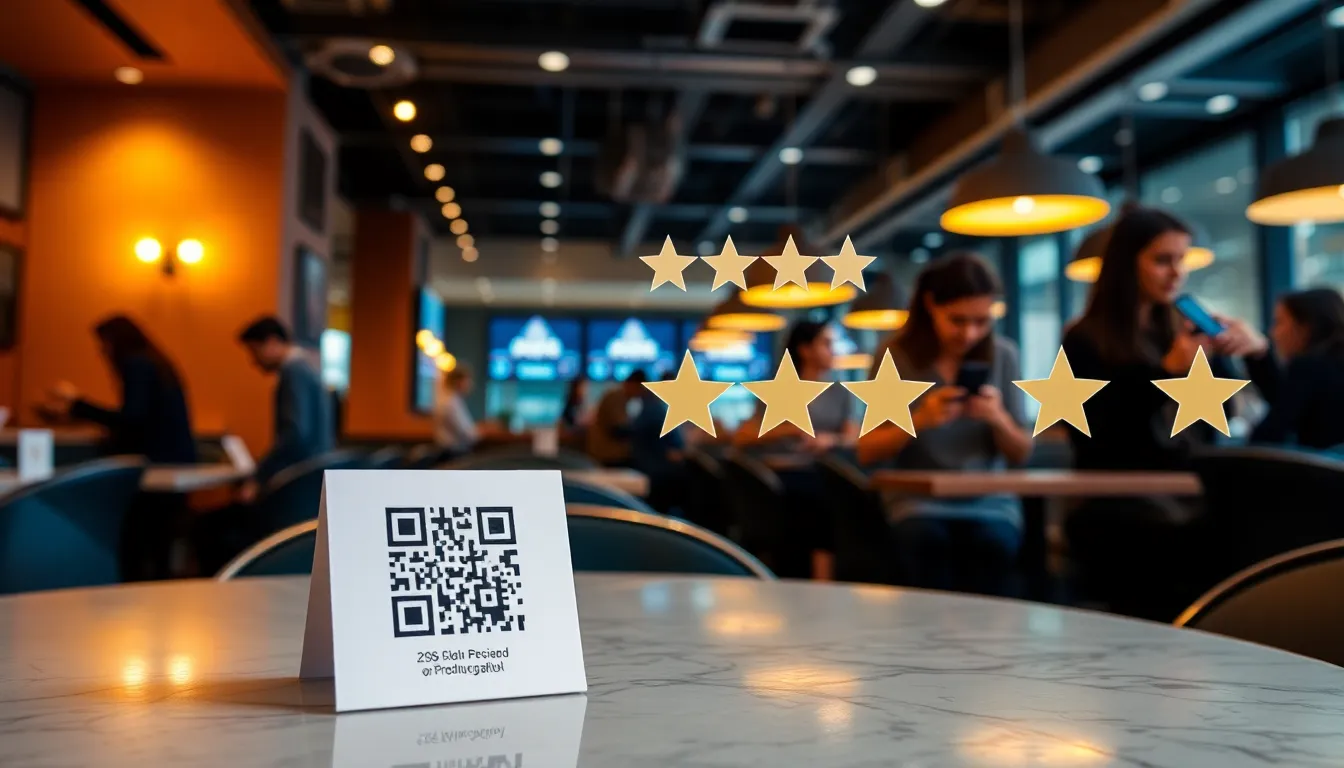
Not all placements are equal. Placement location has a major effect on how many customers actually scan and complete a review. In rough order of effectiveness: the check presenter or bill folder tends to convert best, followed by table tents and bathroom mirror stickers, then takeout bag stickers, with receipt footers and exit-door signage converting the least (customers have already mentally moved on).
The check presenter is the sweet spot because it catches customers at peak satisfaction — they've finished their meal, they're relaxed, and they have their phone out to pay. Place the QR code on a small card inside the bill folder with a simple message: "Enjoyed your meal? Share your experience in 30 seconds."
The Scan → Select → Review Flow
- Customer scans the QR code — opens directly in their browser, no app download required
- Selects experience tags — curated options like "Great sushi," "Friendly service," "Cozy atmosphere," "Perfect date night," "Amazing cocktails"
- AI generates a personalized review — based on their tag selections, producing natural language like "Had a wonderful dinner here last night. The sushi was incredibly fresh and the presentation was beautiful. Our server was attentive and friendly, making the whole experience feel special. The cozy atmosphere made it perfect for our anniversary dinner."
- Customer edits and posts — they review the AI draft, make any changes they want, then head to Google to post it in their own words
The whole flow — scan, tag, review, edit — takes under a minute. For a deeper dive into QR code review collection, see our QR code review collection guide.
Menu Keyword Optimization
One of the biggest advantages of tag-based AI review generation is that you control which keywords appear in reviews. Design your experience tags to include:
- Specific dish names: "Truffle pasta," "Wagyu burger," "Matcha tiramisu" — these feed into Google's "popular dishes" feature
- Ambiance descriptors: "Romantic atmosphere," "Family-friendly," "Great for groups"
- Service qualities: "Knowledgeable sommelier," "Fast service," "Attentive staff"
- Location context: "Rooftop dining," "Ocean view," "Downtown location"
Update your tags seasonally — add "patio dining" in summer, "cozy fireplace" in winter, and "holiday specials" during December.
Summary: QR code + AI review collection converts far more customers than passive methods. The check presenter is the highest-converting placement. Design experience tags with specific dish names and ambiance keywords to optimize for Google's AI Overviews and "popular dishes" feature.
Staff Training: The Human Element
Technology alone won't maximize your review collection. Your front-of-house staff are the most powerful review generation tool you have — they interact with every single customer and can make the review request feel natural rather than transactional.
The 3-Second Script
Train every server, host, and cashier to use this simple script at the right moment:
At payment: "We really appreciate you dining with us tonight. If you enjoyed the [specific dish they ordered], we'd love if you could share your experience — there's a QR code on the card in your bill folder that makes it super quick."
Key elements that make this effective:
- Specific reference: Mentioning the dish they actually ordered makes it personal, not generic
- Low pressure: "We'd love if you could" is a soft ask, not a demand
- Ease emphasis: "Super quick" addresses the #1 objection (time)
- Physical prompt: Directing them to the QR code gives a clear action step
What NOT to Say
- "Could you give us a 5-star review?" — This feels manipulative and violates Google's policies against soliciting specific ratings
- "We really need more reviews" — Desperation is not persuasive
- "If you leave a review, dessert is on us" — Incentivizing reviews violates Google's policy and can get reviews removed
Making the Ask Part of the Job (Without Crossing the Line)
You can't incentivize customers for reviews, and tying staff bonuses to review volume creates the same pressure in a different direction — it's worth avoiding for the same reason. What works instead:
- Recognize good service, not review counts: When a review names a specific staff member, share it with the team and call it out in your next meeting. Recognition — not a per-review payout — is what reinforces the behavior without creating pressure to chase numbers.
- QR code scan tracking: Track which tables/stations generate the most scans to identify where the ask is landing well, so you can coach the rest of the team on what's working
Summary: Train staff with a 3-second personalized script at payment time. Never ask for specific ratings or offer incentives to customers, and don't tie staff bonuses to review volume either. Recognize staff by name when a review calls them out.
Week-by-Week 90-Day Plan
Here's a realistic 90-day timeline for going from minimal reviews to a steady stream of 100+ per month.
Week 1-2: Setup & Launch
- Set up your OwnCrew Customer Ops account and connect your Google Business listing
- Print QR code table tents and NFC tags (order from our partner printing service or use any local printer)
- Create your experience tag set (8-12 tags covering food, service, ambiance, and value)
- Brief your staff on the review collection process — run a 30-minute training session
- Place QR codes at 3 initial touchpoints: check presenter, table tent, and receipt
- Set up Google review notification alerts so you never miss a new review
Week 3-4: Optimize Placement
- Track which QR code locations get the most scans using OwnCrew Customer Ops's analytics
- A/B test different tag sets to see what resonates with your customers
- Start responding to every review within 24 hours using AI-drafted replies
- Add a 4th touchpoint based on scan data (bathroom, exit, or takeout bags)
- Hold a brief 10-minute staff huddle to share early wins and address questions
Month 2: Scale
- Add QR codes to takeout bags, delivery packaging, and catering orders
- Implement post-visit SMS follow-ups (2-4 hours after dining) with direct review link
- Set up automated AI reply drafts for faster response workflow
- Launch the staff mention bonus program
- Review sentiment analysis data to identify operational improvements
- Track your week-over-week review count so you can see whether volume is trending up
Month 3: Refine & Grow
- Analyze sentiment trends — what keywords appear most in positive vs. negative reviews?
- Update experience tags based on customer behavior data
- Expand to additional channels: email receipts, loyalty program touchpoints
- If applicable, expand to additional store locations using the same playbook
- Calculate your review ROI to quantify the revenue impact
- Keep pushing on velocity — the goal is a steady week-over-week increase, not a one-time spike
Your actual results will depend heavily on customer volume, staff engagement, and QR code placement — a restaurant serving 300 covers a day will naturally accumulate reviews faster than one serving 50, even with an identical system. Treat the numbers above as a process to run consistently, not a countdown to a specific total.
For foundational review management principles, see our Complete Guide to Google Review Management.
Summary: The 90-day plan follows a clear progression: setup (weeks 1-2), optimize (weeks 3-4), scale (month 2), and refine (month 3). The point isn't hitting a specific review count by day 90 — it's building a system that keeps generating reviews every week after that.
References
- [1]Online Reviews Statistics and Trends — ReviewTrackers
- [2]Online Review Statistics — Podium
- [3]Restaurant Technology News — Nation's Restaurant News
- [4]Restaurant Industry Research — National Restaurant Association
- [5]Google Business Profile Help: Reviews — Google
- [6]Google Business Profile: Edit Your Profile — Google
Know what needs attention.
OwnCrew Customer Ops brings customer feedback from every location into one place, shows you what keeps coming up, and tracks whether the fix worked.
Start 14-day free trial