Review Sentiment Analysis: Using Word Clouds to Understand Customer Feedback
Discover how word cloud analysis and sentiment tagging can reveal hidden patterns in your Google reviews — and turn insights into action.
Why Sentiment Analysis Matters for Local Business
Reading every review manually is impossible once you cross 100+ reviews. Sentiment analysis automates the process: it categorizes each review as positive, neutral, or negative, then extracts the keywords that drive each category.
For a restaurant owner, this might reveal that "wait time" appears in 40% of negative reviews while "fresh ingredients" dominates positive ones. That single insight can drive an operational change worth thousands in retained revenue.
The business impact of review analytics is measurable:
| Insight type | Example finding | What you do with it |
|---|---|---|
| Service gap | "Parking" keeps appearing in negative reviews | Decide whether it is fixable (signage, validation, a deal with a nearby lot) or something to set expectations about up front |
| Strength worth protecting | "Friendly staff" dominates your positive reviews | Find out what those shifts do differently, and make sure it survives the next round of hiring |
| Positioning gap | A theme customers praise that competitors are never credited for | Say it explicitly on your own channels instead of hoping people notice |
| Trend | Negative mentions of price rising month over month | Look at what changed — menu, portion, competitor pricing — before assuming you are simply too expensive |
| Shift or staffing pattern | The same names or times recur across complaints | Treat it as a scheduling and training question, not an individual blame exercise |
These are the kinds of decisions the data supports. We deliberately do not put a dollar figure next to them — what a fix is worth depends entirely on your margins, your volume and whether you actually make the change.
Traditional review management treats every review as an isolated event. Sentiment analysis reveals the patterns hiding beneath individual feedback. When you discover that 8 out of your last 20 negative reviews mention "slow service on weekends," you do not have a review problem — you have a staffing problem.
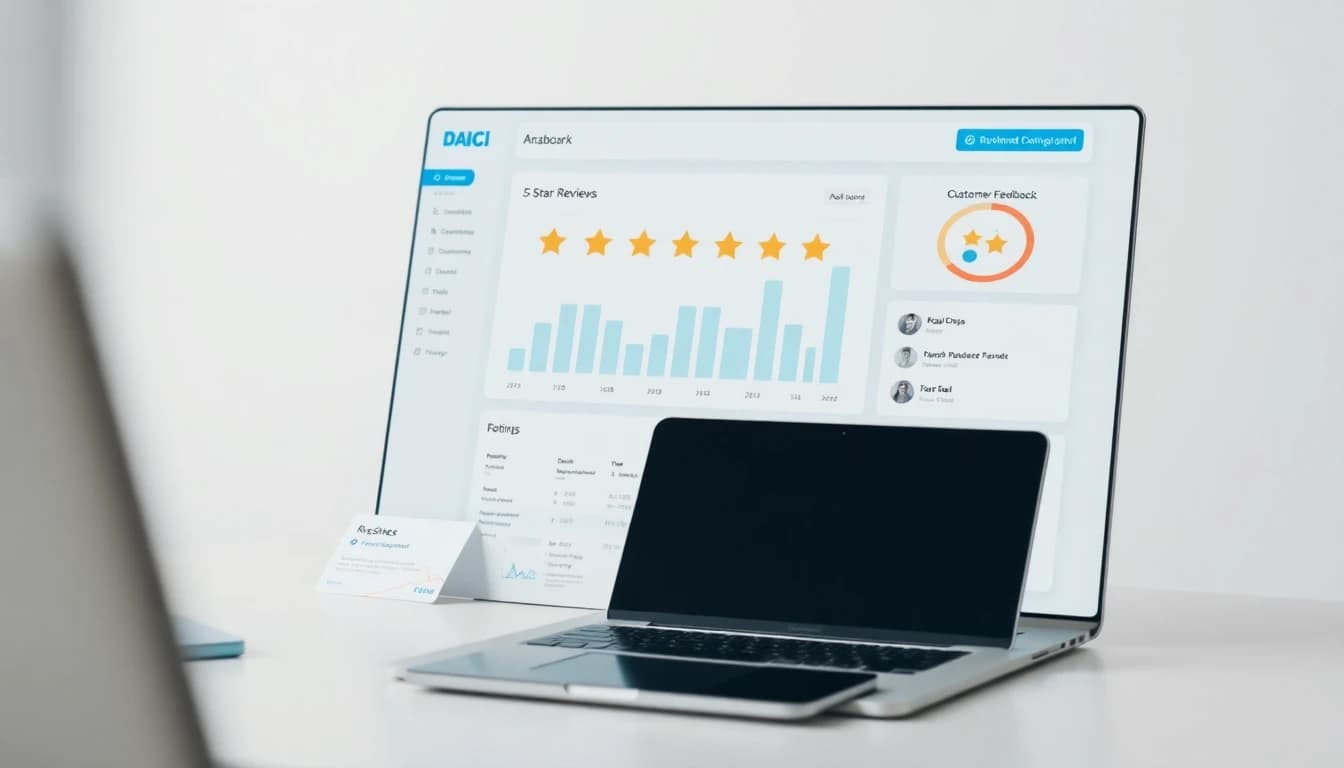
Tools like OwnCrew Customer Ops's dashboard now include built-in review analytics with star-rating filters, sentiment tags, and interactive word clouds — no data science degree required. The system processes your reviews automatically and surfaces the insights that matter most.
How to Read and Interpret a Review Word Cloud
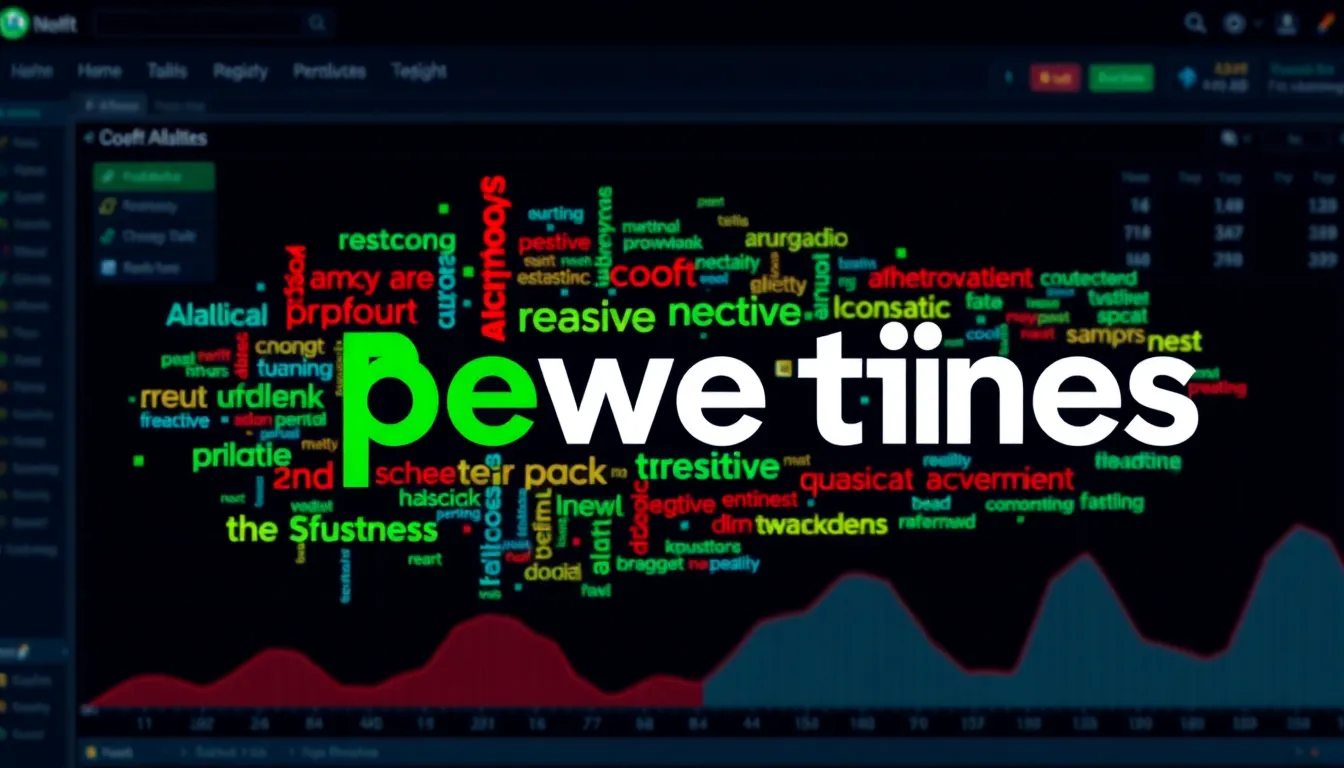
A word cloud visualizes keyword frequency — bigger words appear more often. But size alone is not enough. Color coding adds the sentiment dimension:
- Green words (positive sentiment): These keywords appear primarily in 4-5 star reviews. They represent your strengths — the things customers love and come back for.
- Red words (negative sentiment): These appear in 1-2 star reviews. They highlight areas for improvement and potential revenue leaks.
- Amber words (neutral/mixed): These keywords appear across both positive and negative reviews. They are worth investigating because they represent areas where your performance is inconsistent.
Reading Beyond the Surface:
Do not just look at the biggest words. The most actionable insights often come from:
Small red words: A keyword that appears in only 5% of reviews but is 100% negative (like "cockroach" for a restaurant) demands immediate attention regardless of frequency.
Color shifts over time: A keyword that was green last quarter but is now amber signals a declining area. Monthly comparison reveals trends before they become crises.
Missing keywords: What your competitors' word clouds show that yours does not. If every competitor has "modern" and "updated" but your cloud shows "dated" and "old," you have a perception gap.
Keyword clusters: Words that frequently co-occur reveal compound experiences. "Friendly" + "helpful" + "knowledgeable" appearing together indicates excellent staff training. "Wait" + "slow" + "ignored" appearing together signals a systemic service issue.
Interactive Analysis:
Click on any keyword in your OwnCrew Customer Ops word cloud to instantly filter and read the actual reviews containing that word. This makes it easy to go from pattern → context → action.
Pro tip: Check your word cloud monthly. If a previously green keyword starts shifting to amber, you may be slipping on something customers used to love. Set a calendar reminder for the first Monday of each month to review your analytics.
From Data to Action: The Sentiment-Driven Improvement Cycle
Collecting sentiment data is only valuable if it drives real operational changes. Here is a structured framework for turning word cloud insights into measurable improvements:
Phase 1: Identify (Week 1)
Export your top 10 positive keywords and top 10 negative keywords from the last 90 days. Rank them by frequency and severity:
- Frequency score (1-5): How often does this keyword appear?
- Severity score (1-5): How much does it affect the overall experience?
- Actionability score (1-5): How easily can you address this?
Multiply the three scores. Keywords with the highest composite score are your priority actions.
Example for a dental practice:
| Keyword | Freq | Severity | Actionability | Score | Action |
|---|---|---|---|---|---|
| wait time | 4 | 4 | 5 | 80 | Implement online check-in |
| parking | 3 | 3 | 2 | 18 | Add parking instructions to GBP |
| gentle | 5 | 5 | 5 | 125 | Highlight in marketing (strength) |
| billing | 2 | 4 | 4 | 32 | Simplify billing process |
Phase 2: Act (Weeks 2-4)
For each priority item, assign an owner and a deadline:
- Operational changes (staffing, processes) → Operations manager
- Facility improvements (cleanliness, ambiance) → Facilities team
- Staff behavior (friendliness, communication) → Training manager
- Strengths to amplify → Marketing team
Phase 3: Measure (Weeks 5-8)
After implementing changes, monitor the word cloud for shifts:
- Did the negative keyword decrease in frequency?
- Did related positive keywords increase?
- Did your overall star rating improve?
OwnCrew Customer Ops's weekly reports track these shifts automatically, showing you week-over-week sentiment changes for each keyword.
Phase 4: Iterate (Ongoing)
Repeat the cycle monthly. As you resolve top issues, new ones surface — this is healthy. A business with zero negative keywords is either not getting enough reviews or not looking hard enough.
The businesses that stick with this 4-phase cycle are the ones whose negative-keyword clusters actually shrink over time — treating it as a one-time fix rather than a recurring habit is where most people give up too early.
Advanced Techniques: Competitive Sentiment Benchmarking
The most powerful use of sentiment analysis is not just understanding your own reviews — it is benchmarking against competitors. By analyzing the word clouds of your top 3-5 local competitors, you can identify market gaps and differentiation opportunities.
How to Conduct a Competitive Sentiment Audit:
Identify your competitors: The top 3-5 businesses in your category within a 5km radius that appear in Google Maps local pack results.
Analyze their review keywords: What positive keywords do they have that you do not? What negative keywords do they have that you could capitalize on?
Map the opportunity matrix:
| Scenario | Your Reviews | Competitor Reviews | Strategy |
|---|---|---|---|
| Your strength | Positive keyword present | Keyword absent | Amplify in marketing |
| Shared strength | Both positive | Both positive | Not a differentiator |
| Your weakness | Negative keyword | Keyword absent | Fix operationally |
| Market gap | Keyword absent | Keyword absent | Potential first-mover advantage |
| Competitor weakness | Keyword absent | Negative keyword | Opportunity to position against |
Example: Coffee Shop Competitive Analysis
Your shop's top positive keywords: "latte art", "cozy atmosphere", "friendly barista"
Competitor A's negative keywords: "slow service", "limited seating", "no Wi-Fi"
Competitor B's positive keywords: "fast", "convenient", "drive-through"
Insight: Competitor A struggles with speed and space. If you can maintain your cozy atmosphere while improving speed, you capture customers frustrated with Competitor A. Competitor B wins on convenience but lacks the experience quality — your "cozy atmosphere" and "latte art" are differentiators worth amplifying.
Integrating Competitive Insights into Your Review Strategy:
- Train your AI review responses to naturally mention your differentiating keywords
- When responding to positive reviews, reinforce the keywords that set you apart
- Update your Google Business Profile description with keywords from your strengths
- Create blog content around your strongest sentiment themes
Monitoring Over Time:
Set up quarterly competitive reviews. Track how your keyword landscape shifts relative to competitors. If a competitor starts getting positive mentions for something that used to be your strength, you need to reinforce that area.
Want to see how your business scores? Try our free ROI Calculator to estimate the revenue impact of improving your competitive position through better reviews.
References
- [1]Online Reviews Statistics and Trends — ReviewTrackers
- [2]Online Review Statistics — Podium
- [3]Google Business Profile Help: Reviews — Google
- [4]Google Business Profile: Edit Your Profile — Google
- [5]Local Search Ranking Factors — Moz
- [6]Local Consumer Review Survey — BrightLocal
Know what needs attention.
OwnCrew Customer Ops brings customer feedback from every location into one place, shows you what keeps coming up, and tracks whether the fix worked.
Start 14-day free trial