How to Get More Google Reviews for Hotels: 2026 Guide
A practical guide for hotel managers to systematically increase Google reviews. Covers optimal timing, staff scripts, QR code strategy, and how to handle multi-language feedback to improve visibility and direct bookings.
- 1. Key Takeaways
- 2. Why Google Reviews Are Your Hotel's Most Valuable Marketing Asset
- 3. The Hotel Review Funnel: Mapping Guest Touchpoints for Maximum Impact
- 4. 5 Proven Strategies to Get More Hotel Google Reviews
- 5. Handling Negative Reviews and Multi-Language Feedback
- 6. Implementation Timeline: Your 90-Day Plan to More Reviews
- 7. Conclusion: Building a Review-Centric Culture
Key Takeaways
- Timing is everything: The most effective moment to ask for a review is during check-out, when the experience is freshest. Automated post-stay emails have a much lower response rate.
- Make it effortless: QR codes placed in high-traffic areas (like the back of the room door or at the front desk) can increase review collection by up to 300% by removing friction.
- Train your team: Front desk and concierge staff are your most powerful review generators. Equip them with simple scripts and small incentives.
- Focus on Google: While OTA (Online Travel Agency) reviews on Booking.com or Expedia are important, Google reviews have a broader impact on local search visibility and direct bookings.
- Manage the multi-language guest: Have a system to solicit and respond to reviews in the guest's preferred language to capture positive sentiment from international travelers.
- Track what works: Use analytics to see which review collection method (QR, email, front desk ask) generates the most feedback, and double down on it.
Why Google Reviews Are Your Hotel's Most Valuable Marketing Asset
Think of your Google Business Profile as your 24/7 digital concierge. It's often the first point of contact a potential guest has with your property. Your average star rating and the content of recent reviews answer critical questions: Is the location convenient? Are the rooms clean? Is the staff friendly? Is it good value?
The data is clear: hotels with higher ratings and more reviews rank higher in local "hotels near me" searches. Google's algorithm uses review quantity, quality (star rating), and recency as key ranking factors. A portfolio of recent, positive reviews signals to Google that your business is active, relevant, and trustworthy.
Furthermore, reviews provide social proof that no branded marketing can match. A glowing review about your comfortable beds or attentive concierge is far more convincing than you saying it yourself. This social proof directly converts lookers into bookers. A 2025 hospitality report indicated that a one-star increase in a hotel's rating can justify a price increase of up to 11% without reducing demand.
Summary: Google reviews directly influence your hotel's search visibility, booking conversion rates, and ability to command premium pricing. They are non-negotiable for modern hotel marketing.
The Hotel Review Funnel: Mapping Guest Touchpoints for Maximum Impact
You can't ask for a review at just any time. To build a sustainable system, you need to map your guest's journey and identify the optimal moments for a review request. The goal is to integrate the ask seamlessly into their experience, not add it as an annoying afterthought.
Here’s a typical guest journey and the corresponding review strategy:
- Pre-Arrival (Booking Confirmation Email): Set the expectation. Include a line like, "We're committed to providing you with a 5-star experience. After your stay, we'd love to hear your feedback on Google."
- Check-In (Front Desk Interaction): Deliver the first impression. This is not the time to ask. Focus on a warm welcome. The experience is just beginning.
- During the Stay (In-Room, Amenities, Dining): Create review-worthy moments. This is where you earn the review. A surprise upgrade, a handwritten welcome note, or resolving a minor issue promptly are the stories guests will share.
- Check-Out (The Golden Moment): Make the direct ask. This is the single most effective time. The experience is complete and top of mind. We'll detail the script below.
- Post-Stay (0-48 Hours After Departure): The automated follow-up. For guests you missed at check-out, a polite email reminder can capture additional reviews.
A common mistake is relying solely on the post-stay email. By then, the guest is home, distracted, and the emotional connection to the experience has faded. The check-out moment is 4-5x more effective for generating immediate reviews.
5 Proven Strategies to Get More Hotel Google Reviews
1. Master the Check-Out Review Request (Front Desk Scripts)
Your front desk agents are the key. A genuine, in-person ask during check-out has the highest conversion rate. Train your team with this simple framework:
- The Opener (Confirm Satisfaction): "Mr. Smith, I hope you enjoyed your stay with us. Was everything to your liking?"
- The Bridge (Personalize It): If they mention something positive (e.g., "The bed was so comfortable!"), use it. "I'm so glad you loved the mattress! That's one of our guest favorites."
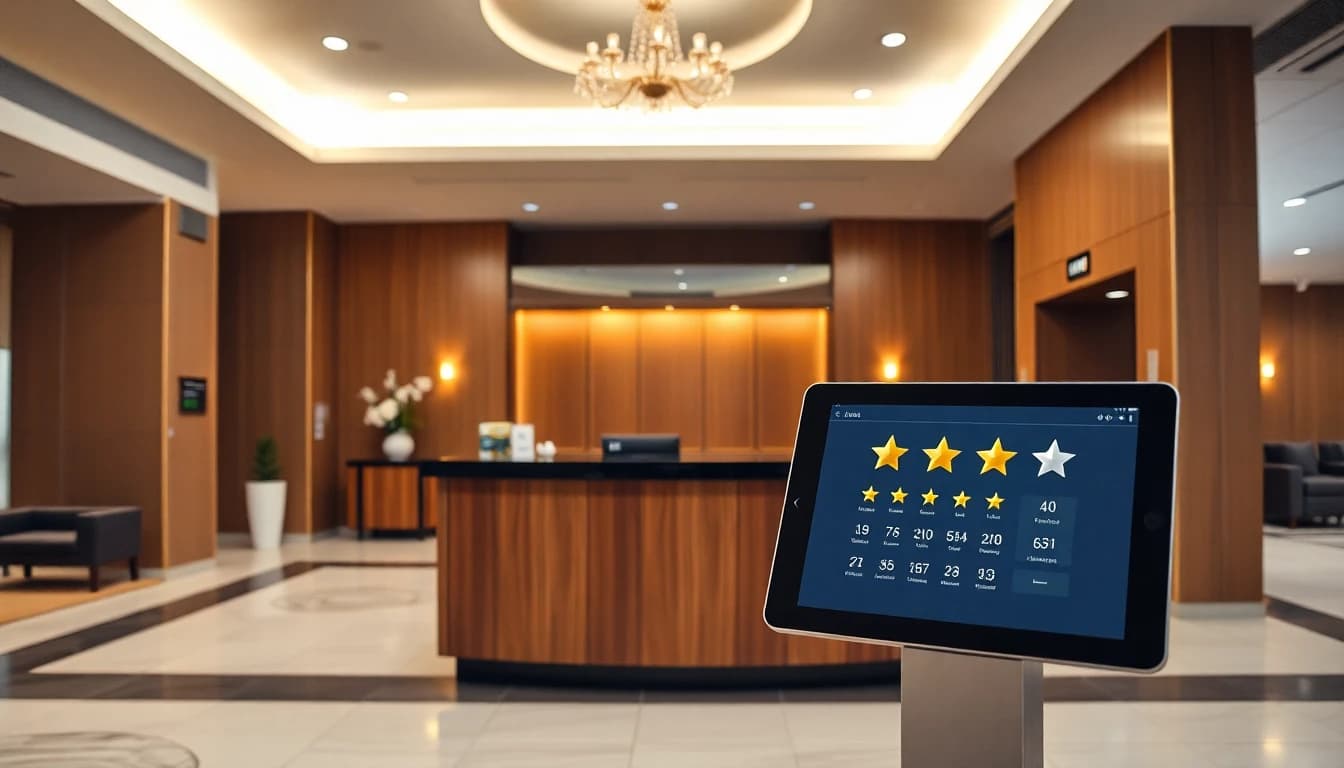
- The Ask (Make it Easy): "Your feedback helps future guests discover what you loved. Would you be willing to share your experience on our Google page? It only takes a minute." Then, immediately present a QR code card or point to a tablet/stand at the desk.
Empower your staff: Give them a small monthly budget (e.g., $50) for incentives tied to verified review collection. Track which agents generate the most reviews and share their techniques in team meetings.
2. Deploy Strategic QR Codes for Frictionless Feedback
QR codes remove all the friction. The guest doesn't have to remember your hotel's full name, search for it, or type a long URL. They scan and go.
Best places to put QR codes in your hotel:
- On the back of the room door (with a simple call-to-action: "Scan to review your stay").
- At the front desk on a stand next to the credit card terminal.
- On the key card sleeve given at check-in.
- In the elevator or lobby waiting area.
- On the final folio presented at check-out.
A simple QR code that links directly to your Google review page is good. A smarter solution uses a platform like OwnCrew Customer Ops. Their system allows guests to scan a QR code, select a few tags about their experience (e.g., "Comfortable Bed," "Friendly Staff," "Great Location"), and then an editable draft is generated from only the tags they picked. The guest can rewrite it, then copies the text and posts it on Google themselves. This solves the "I don't know what to write" problem and results in longer, more keyword-rich reviews.
3. Optimize Your Post-Stay Email Sequence
For the guests you miss in person, a well-crafted email sequence is your safety net. Do not send a generic, corporate blast.
- Timing: Send the first request 24-48 hours after check-out. The memory is still fresh.
- Personalization: Use the guest's name and, if your PMS allows, reference their stay dates or room type. "We hope you enjoyed your King Deluxe room last weekend."
- Subject Line: Be direct and low-pressure. "How was your stay at [Hotel Name]?" or "Share your feedback, [Guest Name]".
- Content: Keep it brief. Thank them for their stay, express that you value honest feedback to improve, and provide a clear, large button linking directly to your Google review page.
- Follow-Up: If no action after 5-7 days, one gentle reminder email is acceptable. Subject: "We'd still love to hear from you, [Guest Name]".
4. Leverage Your Concierge and Loyalty Program
- Concierge-Driven Collection: Your concierge often builds the deepest rapport with guests. Train them to identify delighted guests (those they helped with exceptional dinner reservations, tours, etc.) and make a personalized ask: "I'm thrilled we could arrange that vineyard tour for you. If you had a great time overall, sharing your experience on Google would mean the world to our team."
- Loyalty Program Integration: Your most loyal guests are your biggest advocates. Add a review request as a step in your loyalty program email journey. Offer bonus points for verified reviews. For example: "Earn 500 bonus points for sharing your review on Google." This turns feedback into a tangible reward for your best customers.
5. Manage OTA Reviews vs. Google Reviews
This is critical. Guests leave reviews on Booking.com, Expedia, and TripAdvisor by default because that's where they booked. Your goal is to redirect a portion of that feedback to Google.
- Why Google Matters More: Google reviews impact your local SEO and are visible to everyone searching for hotels in your city, not just users of a specific OTA platform. They drive direct bookings, which have higher profit margins.
- The Strategy: Respond to every positive OTA review. In your response, thank them and add: "We're so glad you enjoyed your stay. If you have a moment, we'd also love for you to share your experience on our Google page to help other travelers discover us." Include the direct link.
- Internal Tracking: Use a review management dashboard to aggregate all reviews (Google and OTAs) in one place. This gives you a complete picture of guest sentiment. Tools like OwnCrew Customer Ops provide this, along with analytics on complaint categories (cleanliness, noise, etc.), so you can spot operational issues quickly.
Summary: Combine in-person asks at check-out, frictionless QR codes, and targeted emails. Empower your staff and redirect happy OTA reviewers to Google. A multi-channel approach consistently fills your review pipeline.
Handling Negative Reviews and Multi-Language Feedback
Not all feedback will be 5 stars. How you handle criticism defines your reputation.
- Respond to ALL Negative Reviews (Publicly): A professional, empathetic, and solution-oriented response shows potential guests you care. Use the H.E.A.R.D. method:
- Hear: "Thank you for bringing this to our attention."
- Empathize: "We sincerely apologize that your room cleanliness did not meet our standards."
- Apologize: "This is not the experience we aim to provide."
- Resolve: "Our housekeeping manager has been notified, and we have re-inspected all rooms."
- Direct: "Please contact our GM at [email] so we can discuss this further."
- Take it Offline: Always provide a direct channel (email, phone) to move detailed problem-solving out of the public eye.
- Multi-Language Reviews: For international hotels, you will get reviews in various languages.
- Soliciting: Use QR code or email systems that detect the guest's language and present the review request in that language.
- Responding: Use Google Translate as a starting point to understand the review, but always have a native speaker craft or vet the response. A response in the guest's own language is a powerful gesture of respect and care. Some review management platforms offer AI-powered translation suggestions for responses.
For a deeper dive on this critical skill, see our guide on How to Respond to Negative Reviews: Turn Critics into Loyal Customers.
Implementation Timeline: Your 90-Day Plan to More Reviews
Weeks 1-2: Foundation & Setup
- Claim and fully optimize your Google Business Profile (photos, description, amenities, Q&A).
- Create a direct link to your Google review page (search "your hotel name google reviews" and copy the URL from the "Write a review" button).
- Design and print QR code cards/stands for the front desk and room doors. (You can test a smart QR code system with a tool like OwnCrew Customer Ops by visiting their demo page: /demo).
Weeks 3-4: Staff Training & Soft Launch
- Train front desk and concierge teams on the check-out script.
- Install QR codes in rooms and at the front desk.
- Update your booking confirmation and post-stay email templates with review requests.
- Begin the in-person ask at check-out.
Month 2: Analyze & Optimize
- Monitor where reviews are coming from (QR scans, front desk asks, emails).
- Hold a 15-minute weekly stand-up with the front desk team to discuss what's working.
- Refine email subject lines and timing based on open/click rates.
Month 3: Scale & Integrate
- Roll out a simple staff incentive program for review collection.
- Integrate the review ask into your loyalty program communications.
- Begin systematically asking happy OTA reviewers to also post on Google.
- Review your analytics dashboard monthly to track rating trends and sentiment.
To see a detailed breakdown of a rapid review growth strategy, see our restaurant review playbook. The principles of consistency and systemization apply directly to hotels.
Conclusion: Building a Review-Centric Culture
Getting more Google reviews isn't a one-time campaign; it's an operational mindset. It starts with delivering an experience worth reviewing at every touchpoint. Then, you must make it incredibly easy for satisfied guests to tell that story.
The most successful hotels we work with have made review generation part of their daily rhythm. The front desk team is proud of their collection numbers. The GM reviews sentiment reports in weekly operations meetings. Marketing uses positive review snippets in ads and on the website.
By implementing the check-out scripts, QR codes, and email sequences outlined here, you can build a predictable stream of positive feedback. This will boost your search ranking, build trust with potential guests, and provide invaluable insights to improve your property. Start today by training your team on the simple check-out ask—the single most effective tactic in your arsenal.
Summary: Sustainable review growth comes from a hotel-wide culture that values guest feedback. Systemize the ask, make it effortless, and use the insights to continuously improve. Your future bookings depend on it.
References
- [1]Google Business Profile Help: Reviews — Google
- [2]Google Business Profile: Edit Your Profile — Google
- [3]Online Reviews Statistics and Trends — ReviewTrackers
- [4]Online Review Statistics — Podium
- [5]Hotel Industry Research — American Hotel & Lodging Association
- [6]Hotel Performance Data — STR
Know what needs attention.
OwnCrew Customer Ops brings customer feedback from every location into one place, shows you what keeps coming up, and tracks whether the fix worked.
Start 14-day free trial