Google Review Management for Restaurants: Complete Guide
Learn how to systematically build your restaurant's online reputation. This guide covers QR code collection, server training, handling negative reviews, and a 90-day implementation timeline to boost your Google rating and revenue.
- 1. Key Takeaways
- 2. Why Google Reviews Are Non-Negotiable for Restaurants
- 3. Foundational Setup: Your Google Business Profile
- 4. The Restaurant Review Collection Playbook
- 5. How to Handle Negative Reviews and Food Criticism
- 6. Advanced Strategies: Keywords, Photos, and Local SEO
- 7. Your 90-Day Restaurant Review Management Implementation Timeline
Key Takeaways
- Reviews are a revenue driver. Higher ratings directly correlate with increased customer traffic and sales.
- Collection must be systematic. Relying on chance won't work. Use QR codes, strategic timing, and a consistent staff ask to build a steady stream of feedback.
- Every review deserves a response. Professional, timely replies to both positive and negative reviews show you value customer feedback and can turn critics into loyal fans.
- Keywords and photos matter. Encouraging reviews that mention specific menu items and include photos boosts your visibility in local searches.
- Implementation is a process. Start with foundational steps like claiming your Google Business Profile, then layer in collection tactics and advanced strategies over a 90-day period.
Why Google Reviews Are Non-Negotiable for Restaurants
Think of your Google Business Profile (GBP) as your digital storefront. Before a customer ever walks through your door, they’ve already formed an opinion based on your star rating, your review snippets, and the photos posted by other diners.
A complete, accurate Google Business Profile reads as more trustworthy to a browsing customer than a sparse or outdated one. For restaurants, this consideration is everything. A diner choosing between two Italian spots will almost always pick the one with the higher rating and more recent, positive reviews.
The impact goes beyond consumer trust. Google’s local search algorithm uses review signals—including quantity, quality, and recency—as ranking factors. A steady flow of genuine, positive reviews can help your restaurant appear higher in "restaurants near me" searches, putting you ahead of competitors.
Ignoring your reviews, or having none at all, creates a vacuum. It tells potential customers you might not care about their experience, or worse, that you have something to hide. An active, well-managed review profile is a sign of a healthy, customer-focused business.
Summary: Your Google reviews are your most powerful marketing tool. They build trust before a customer arrives, influence local search rankings, and directly impact your revenue. A passive approach is a costly mistake.
Foundational Setup: Your Google Business Profile
You can't manage what you don't control. The absolute first step is to claim and verify your Google Business Profile. If you haven't done this, stop reading and do it now. Go to google.com/business and follow the steps.
Once verified, treat your GBP like a mini-website. Every field is an opportunity to attract customers.
Complete Every Section:
- Hours & Special Hours: Be meticulous. Update for holidays, private events, or unexpected closures. Nothing frustrates a customer more than driving to a "closed" restaurant.
- Menu: Upload your current menu with prices. Use high-quality photos of your dishes as menu items.
- Attributes: Check every box that applies: "Outdoor seating," "Vegetarian options," "Live music," "Gender-neutral restrooms." These are filters customers use to find places like yours.
- Photos & Videos: Upload professional photos of your interior, exterior, bar, and popular dishes. Encourage customers to add their own (more on that later). A GBP with 100+ photos looks vibrant and popular.
Enable Messaging: Allow customers to message you directly through the profile for reservations or questions. Set up notifications and assign a staff member to respond quickly during business hours.
Post Regularly: Use the "Posts" feature like a social media channel. Share weekly specials, event announcements, new menu items, or behind-the-scenes photos. Regular posts signal to Google and customers that your business is active.
This foundation isn't glamorous, but it's critical. A complete, accurate, and active GBP is the platform upon which all your review management success will be built. For a deeper dive on optimizing every part of your profile, see our Complete Guide to Google Review Management.
The Restaurant Review Collection Playbook
Happy customers are often willing to leave a review; they just need a gentle, convenient nudge. Your job is to make that process as frictionless as possible. Here are the most effective methods, ranked by implementation ease and impact.
1. The Table Tent QR Code (Highest Impact)
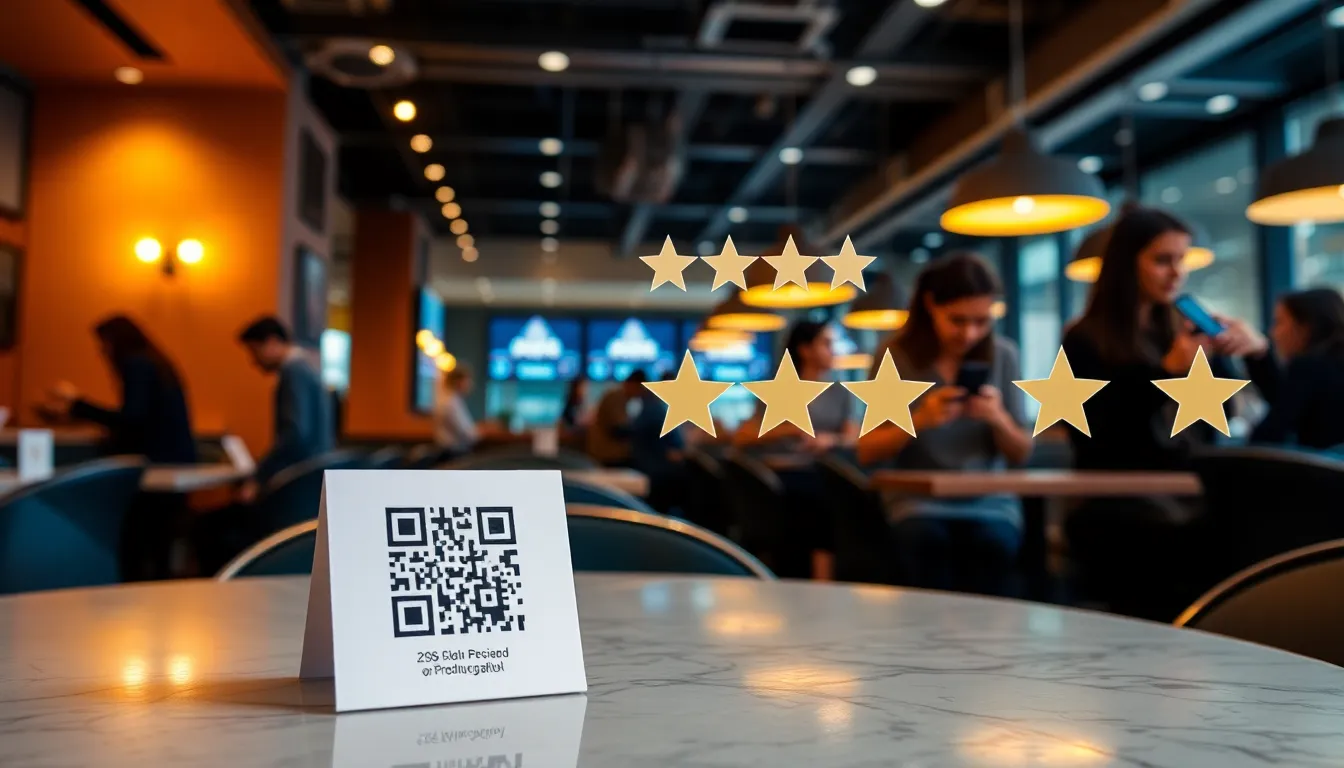
This is your frontline strategy. Place a simple, well-designed tent card on every table. It should have a clear call-to-action: "Love your meal? Scan to leave us a review!" The QR code should link directly to your Google review submission page.
To increase conversion, consider using a tool like OwnCrew Customer Ops. Instead of sending customers to a blank review box, the QR code can lead to a quick experience where they select tags (e.g., "Amazing Service," "Best Burger Ever") and an editable draft is generated from only the tags they picked — including anything that fell short. The guest can rewrite it, then copies the text and posts it themselves. This eases the mental hurdle of "what do I write?" without scripting the verdict.
2. Strategic Post-Payment Timing
The moment right after payment is when satisfaction is highest. Train your servers to say: "Thank you so much! If you enjoyed everything tonight, we'd be thrilled if you could share your experience on Google." Have a short link (like bit.ly/yourrestaurant-review) printed on the receipt or ready for the server to text to the customer.
3. WiFi Landing Page
If you offer guest WiFi, the login page is prime real estate. After customers agree to your terms, redirect them to a page that thanks them for visiting and asks for a review, with a direct link to Google.
4. Delivery & Takeout Inserts
For off-premise orders, include a small insert in the bag. A simple "How was your takeout?" note with a QR code or short link can capture feedback from customers you never see in person.
5. Email & SMS Follow-Up
For customers who make online reservations or place pickup orders through your website, add a review request to your automated follow-up email or text, sent 24-48 hours after their visit.
Server Training Script: Empower your staff. Give them a simple, non-pushy script and do not pay a bonus per review — paying staff per review teaches them to manage the number rather than the service, and it is how fake and solicited reviews start. "I'm so glad you enjoyed the salmon! If you have a quick moment later, sharing that on Google would really help our small team out."
The goal is to integrate review collection into multiple, natural touchpoints of the customer journey. Don't rely on just one method.
Summary: Systematically ask for reviews at the peak of customer satisfaction. QR codes on tables and post-payment prompts are your most effective tools. Make the process easy and immediate.
How to Handle Negative Reviews and Food Criticism
You will get negative reviews. It's not a matter of if, but when. How you respond is what separates great restaurants from the rest. A defensive or angry reply does more damage than the original review.
The 24-Hour Rule: Aim to respond to every negative review within 24 hours. A prompt response shows you're attentive.
The RESPOND Framework:
- R - Read Carefully: Understand the core complaint. Was it slow service? Cold food? A mistake with the order?
- E - Empathize First: Start by acknowledging their feelings. "Thank you for your feedback, and I'm so sorry to hear your experience didn't meet expectations."
- S - Specifics Matter: Apologize for the specific issue. "I apologize that your steak was not cooked to your requested temperature."
- P - Take it Private (when needed): For complex complaints, invite further discussion offline. "We take this very seriously. Could you please email me at manager@restaurant.com so I can look into this personally?"
- O - Outline Action (if public): Briefly state what you'll do to fix it. "We are retraining our kitchen staff on temperature standards to ensure this doesn't happen again."
- N - Never Blame: Don't blame the customer, the staff, or a "busy night." Take ownership.
- D - Don't Feed Trolls: For blatantly false, abusive, or spam reviews, report them to Google for removal. Do not engage in a public argument.
Handling Food Criticism: Taste is subjective. If a customer says "the sauce was too salty," don't argue. Respond with: "Thank you for the note on our sauce. We work hard to balance our flavors, and we'll definitely share your feedback with our chef team for review."
A professional, empathetic response to a negative review can actually increase trust among future readers. It demonstrates that you care about customer satisfaction and are committed to improvement. For a detailed analysis of how this impacts your revenue, read our guide on Review Management ROI.
Advanced Strategies: Keywords, Photos, and Local SEO
Once you're consistently collecting and responding to reviews, you can layer in advanced tactics to maximize their marketing power.
Encourage Menu-Specific Keywords: Train your staff to suggest what to write about. Instead of just "leave us a review," they can say, "If you loved the truffle mac and cheese, feel free to mention it in your review!" Reviews that mention specific dishes help your restaurant rank for those terms in local searches (e.g., "best fish tacos near me").
Photos in Reviews Strategy: Reviews with photos get more engagement and are more trusted. Encourage customers to take pictures. Your table tent can say, "Snap a pic of your favorite dish and share it with your review!" You can also run a low-key monthly contest that features the best customer photo on your own social media — keep any prize separate from Google itself, since tying a reward to content posted on Google (a review or a tagged photo) violates its policies.
Leverage Positive Reviews for Marketing: Showcase glowing review snippets on your website's homepage, in your social media posts, or on a "Wall of Fame" inside the restaurant (with permission). This turns social proof into tangible marketing material.
The Local SEO Connection: Google wants to surface the most relevant, authoritative local businesses. A consistent stream of genuine, keyword-rich reviews from local profiles is a strong authority signal. It tells Google your restaurant is a popular, trusted choice in your community, which can boost your rankings. Learn more about this connection in our Local SEO and Reviews Impact Study.
These strategies transform reviews from a simple feedback channel into a core component of your digital marketing and search visibility efforts.
Summary: Go beyond collecting stars. Encourage reviews that mention specific menu items and include photos to boost local SEO. Use positive reviews as marketing assets on your website and social media.
Your 90-Day Restaurant Review Management Implementation Timeline
This process doesn't happen overnight. Use this quarter-long timeline to build your system methodically.
Weeks 1-2: Foundation & Audit
- Claim/verify your Google Business Profile.
- Complete every section: hours, menu, attributes, photos.
- Audit your existing reviews. Read every one and note common praises/complaints.
- Craft your standard response templates for positive and negative reviews.
Weeks 3-4: System Setup
- Design and print table tent QR codes. Link them directly to your Google review page or a streamlined collection tool.
- Set up your WiFi landing page to request reviews.
- Design inserts for takeout/delivery bags.
- Write your server training script and introduce it at a staff meeting.
Month 2: Launch & Train
- Roll out table tents and bag inserts.
- Conduct formal server training on the "ask" script and the importance of reviews.
- Begin implementing the post-payment ask.
- Start responding to all new reviews within 48 hours.
- Begin reporting any spam or fraudulent reviews.
Month 3: Optimize & Analyze
- Review your first month of collected reviews. What are people saying?
- Adjust menu or service based on legitimate feedback.
- Reinforce the ask script in ongoing staff training — do not tie any bonus or reward to review counts, per the guidance above.
- Start encouraging photo and keyword-specific reviews.
- Analyze review volume and rating trend. Is it improving?
By the end of 90 days, review management will be a integrated, operational habit rather than an afterthought. For a step-by-step plan tailored to rapid growth, see our Restaurant Review Strategy: A 90-Day Implementation Plan.
References
- [1]Google Business Profile Help: Reviews — Google
- [2]Google Business Profile: Edit Your Profile — Google
- [3]Online Reviews Statistics and Trends — ReviewTrackers
- [4]Online Review Statistics — Podium
- [5]Restaurant Technology News — Nation's Restaurant News
- [6]Restaurant Industry Research — National Restaurant Association
Know what needs attention.
OwnCrew Customer Ops brings customer feedback from every location into one place, shows you what keeps coming up, and tracks whether the fix worked.
Start 14-day free trial