OwnCrew Customer Ops vs Podium: 2025 Feature & Pricing Comparison
Choosing between OwnCrew Customer Ops and Podium? This 2025 comparison covers core features, pricing structure, contract terms, and the business types each platform tends to fit.

- 1. Key Takeaways: OwnCrew Customer Ops vs Podium at a Glance
- 2. 1. Core Feature Comparison: Review Collection & Management
- 3. 2. Beyond Reviews: Messaging, Payments & AI Capabilities
- 4. 3. Pricing, Contracts & Transparency
- 5. 4. Ease of Use & Setup
- 6. 5. Integration Ecosystem & Multi-Location Support
- 7. Final Recommendation: Which Tool Fits Your Business?
Key Takeaways: OwnCrew Customer Ops vs Podium at a Glance
Before the detailed breakdown, here are the core differentiators:
- Primary Focus: OwnCrew Customer Ops specializes in turning customer feedback, including Google reviews, into operational follow-up via QR codes and AI-assisted drafting. Podium offers a broader suite for customer communication (SMS, web chat), review management, and payment processing.
- Ideal User: OwnCrew Customer Ops is built for service businesses (contractors, salons, clinics) and multi-location brands that want a simple, low-friction way to collect Google reviews and route feedback into action. Podium suits local businesses (retail, restaurants, auto shops) that want an all-in-one inbox for texts, reviews, and payments.
- Pricing Model: OwnCrew Customer Ops uses published, per-store pricing — see current plans at /pricing. Podium typically uses custom, sales-quoted pricing.
- Contract Terms: OwnCrew Customer Ops does not require a long-term lock-in. Podium commonly requires an annual contract — confirm current terms with Podium directly.
- Core Strength: OwnCrew Customer Ops is built around maximizing completed Google reviews with minimal customer effort. Podium is built around centralizing multiple customer interaction channels into one dashboard.
1. Core Feature Comparison: Review Collection & Management
This is the heart of any reputation tool: how do they get reviews and help you manage them?
How OwnCrew Customer Ops approaches this:
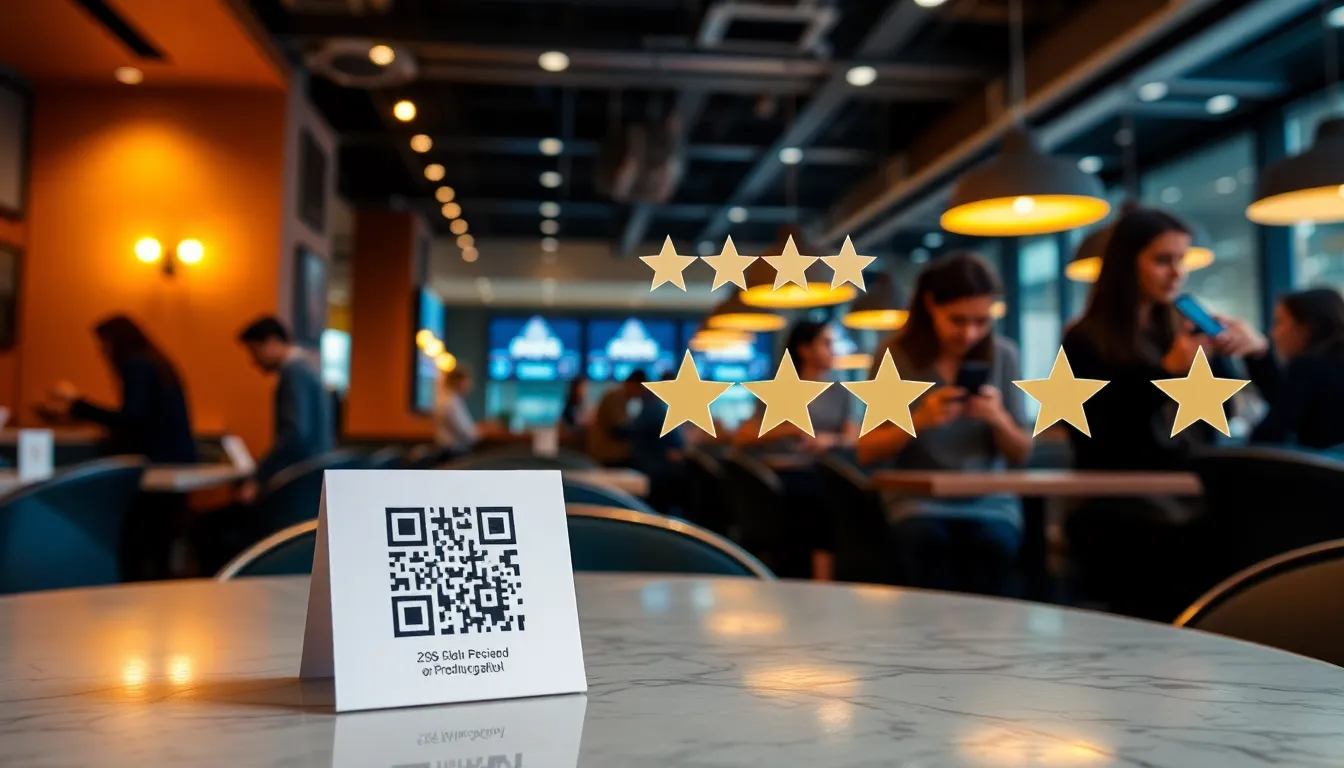
OwnCrew Customer Ops is laser-focused on Google review generation. Its system is built around a QR code and tag-based flow:
- QR Code & Link Generation: You generate a unique QR code or link for your business.
- Customer Experience: A customer scans the code and selects 1-3 tags describing their experience (e.g., "Friendly Staff," "On Time," "Great Quality").
- AI Review Drafting: The AI drafts a personalized review based on the selected tags. The customer can edit it before posting.
- One-Tap Posting: With one tap, the review is posted directly to the business's Google Business Profile.
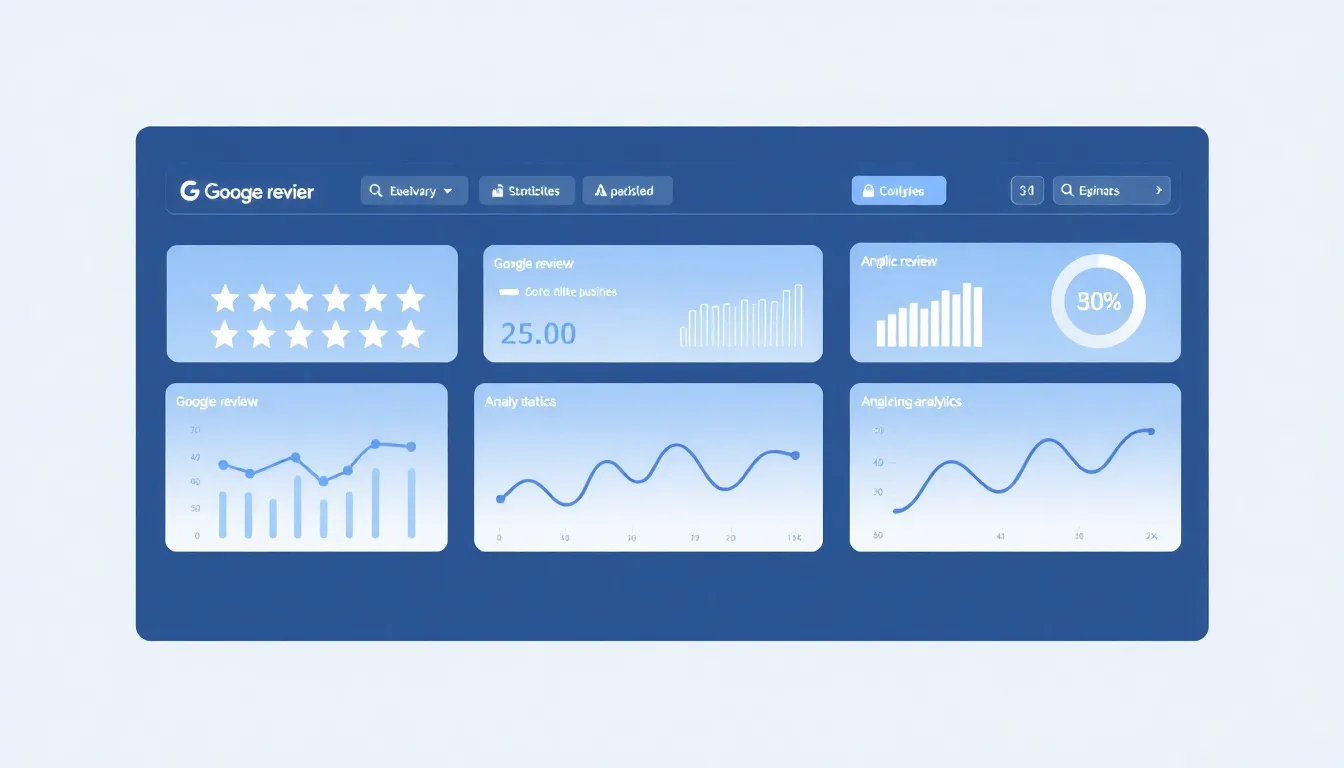
- Dashboard Analytics: The dashboard shows review volume, sentiment trends, and categorizes feedback (e.g., "Scheduling," "Pricing") for actionable insight, plus AI-assisted reply suggestions.
Podium's approach integrates review requests into its broader messaging ecosystem:
- Review Request Campaigns: You send or automate review request texts to customers after a service.
- Direct Links: The texts contain links to your Google, Facebook, or other review profiles.
- Centralized Inbox: Incoming reviews and customer SMS messages funnel into Podium's main inbox.
- Basic Analytics: Tracks review scores and volume over time.
Comparison Table: Review Features
| Feature | OwnCrew Customer Ops | Podium |
|---|---|---|
| Primary Method | QR code + AI-drafted review | SMS text request with direct link |
| Review Drafting | AI-generated draft based on customer-selected tags, for the customer to review | Customer writes their own from scratch |
| Posting Ease | One-tap posting to Google after customer review | Clicks link, navigates to Google, writes, and posts |
| Multi-Platform | Focused on Google as the primary channel | Supports Google, Facebook, and others |
| Feedback Categorization | AI groups feedback into categories (e.g., service, communication) | Manual review generally required |
| Response Assistance | AI suggests reply drafts | Manual response or saved snippets |
Summary: OwnCrew Customer Ops is built to reduce the writing effort between a happy customer and a posted Google review. Podium offers a more traditional, multi-platform request system embedded within its messaging workflow.
2. Beyond Reviews: Messaging, Payments & AI Capabilities
Businesses often need more than just review tools. Here's how each platform extends its functionality.
Additional OwnCrew Customer Ops features:
- AI-Powered Insights: The analytics dashboard turns review and feedback text into data, showing what customers love and what issues are emerging.
- Multi-Location Management: Built for brands to manage feedback across multiple stores from a single dashboard.
Podium's additional features:
- Business Messaging: This is Podium's flagship feature — combining SMS texting, web chat, and Facebook Messenger into a single, threaded inbox. For businesses that rely heavily on text communication (like auto repair or appointment-based services), this is a major value driver.
- Payments: Podium includes a payment processing option that lets you send payment links via text and accept cards, which can consolidate software needs.
- AI Assist: Podium offers AI features to summarize review sentiment and help draft message responses.
Comparison Table: Extended Features
| Feature | OwnCrew Customer Ops | Podium |
|---|---|---|
| Core Extra | Feedback analytics & categorization | Unified business messaging inbox (SMS, chat) |
| Payments | No | Yes, integrated |
| AI Application | Generates review drafts & reply suggestions | Summarizes sentiment, assists with messaging |
| Web Chat | No | Yes |
| Best Fit | Businesses that want a focused feedback-to-action loop | Businesses that want a central comms hub plus payment collection |
Summary: Podium is a broader business operations platform centered on communication. OwnCrew Customer Ops is a more focused tool centered on the review and feedback lifecycle.
3. Pricing, Contracts & Transparency
Cost structure and commitment terms are decisive factors for SMBs.
OwnCrew Customer Ops pricing:
- Model: Published, per-store pricing.
- Where to check: Current plans and pricing are listed at /pricing, so you can see numbers before any sales conversation.
- Contract: No long-term lock-in required.
- Transparency: Pricing and feature lists are published.
Podium pricing:
- Model: Custom-quoted by sales; pricing is not publicly listed.
- Contract: Commonly requires an annual contract, based on their publicly described sales process — confirm current terms directly with Podium, as early termination terms and thresholds can change.
- Transparency: Requires a sales consultation to get pricing specific to your business.
Comparison Table: Pricing & Terms
| Criteria | OwnCrew Customer Ops | Podium |
|---|---|---|
| Pricing Model | Published, per-store rate | Custom, sales-quoted |
| Where to Verify | /pricing | Podium sales team |
| Contract | No long-term lock-in | Annual contract (typical) |
| Multi-Location Cost | Scales per store, published | Additional cost per location, quote-based |
| Transparency | High (pricing published online) | Lower (requires sales call) |
Summary: OwnCrew Customer Ops publishes its pricing so you can evaluate cost without a sales call. Podium's pricing requires a quote and typically comes with a longer commitment, reflecting its broader feature suite.
4. Ease of Use & Setup
A tool is only valuable if your team will actually use it.
OwnCrew Customer Ops setup:
- Sign up and create an account.
- Connect your Google Business Profile(s).
- Download and print your unique QR code or share your link.
- The system is ready — the customer-facing process (scan, tag, review, post) is designed to take under a minute.
Podium setup:
- Sales onboarding and account configuration.
- Integrate communication channels (business phone number for SMS, website chat widget).
- Set up review profile links and, if used, payment processing.
- Train the team on the unified inbox and workflows.
How they compare: the narrower focus of OwnCrew Customer Ops generally means fewer moving parts to configure. Podium's broader module set means more setup steps, but also more surface area covered once it's running.
5. Integration Ecosystem & Multi-Location Support
How does each tool fit into your existing tech stack and scale with your business?
OwnCrew Customer Ops:
- Integrations: Focused on core review and feedback workflows. Connects directly with Google Business Profile and offers API access for custom needs.
- Multi-Location Support: A primary strength — a single dashboard manages multiple locations, with roll-up analytics and per-location performance tracking, built for brands, franchises, and agencies.
Podium:
- Integrations: Offers a wider array of native integrations with CRM systems, scheduling software, and marketing platforms, supporting its role as a central communications hub.
- Multi-Location Support: Supports multi-location businesses but typically prices per location. Enterprise-level plans offer more centralized management tools.
How to weigh it: if your business runs on a complex tech stack with many existing tools, Podium's broader integration list may matter more. If you mainly need a straightforward way to manage feedback and reviews across many locations at a predictable per-store cost, that's where OwnCrew Customer Ops is built to fit.
Final Recommendation: Which Tool Fits Your Business?
The choice isn't about which tool is objectively "better," but which fits your specific operational needs.
Consider OwnCrew Customer Ops if:
- Your primary goal is to systematically turn happy customers into completed Google reviews and feedback into follow-up action, with minimal customer friction.
- You are a service business (plumber, HVAC, salon, clinic) where a QR code at the point of service fits naturally.
- You are a multi-location brand, franchise, or agency and want a simple, published-price way to manage feedback across all locations.
- You want transparent, published pricing without a long-term contract.
- You value feedback categorized into actionable data to improve operations.
Consider Podium if:
- You need a unified inbox for all customer communication (SMS, web chat, Facebook) alongside review responses.
- You are a retail, restaurant, or auto service business where text messaging is already a primary channel for customer interaction.
- You want to consolidate payment processing with your communications software.
- Your budget and workflow can accommodate a higher-priced, annual commitment for an all-in-one solution.
- You need integrations with other business software like a CRM.
For businesses where turning customer feedback into consistent Google reviews is the priority, the OwnCrew Customer Ops QR code and AI-draft flow is built to lower the biggest barrier — customer time and effort. You can try the flow yourself at /pricing.
For businesses that spend significant time managing customer texts and inquiries across multiple channels, Podium's all-in-one approach can be worth its higher cost and complexity by streamlining team workflows.
A useful question to ask: is your priority to master and automate the review and feedback loop, or to centralize all digital customer touchpoints? Your answer points to the right tool.
References
- [1]Google Business Profile Help: Reviews — Google
- [2]Google Business Profile: Edit Your Profile — Google
- [3]Local Business Structured Data — Google Developers
- [4]Review Snippet Structured Data — Google Developers
- [5]Google Reviews Policy — Google
- [6]Creating Helpful, Reliable, People-First Content — Google Search Central
Know what needs attention.
OwnCrew Customer Ops brings customer feedback from every location into one place, shows you what keeps coming up, and tracks whether the fix worked.
Start 14-day free trial